 WhoIsCooking
Get the app, $5
Mac hot when you're doing nothing? Find the hidden process
If the Mac is hot while you're not touching it, something is working in the background. Here's how to catch it.
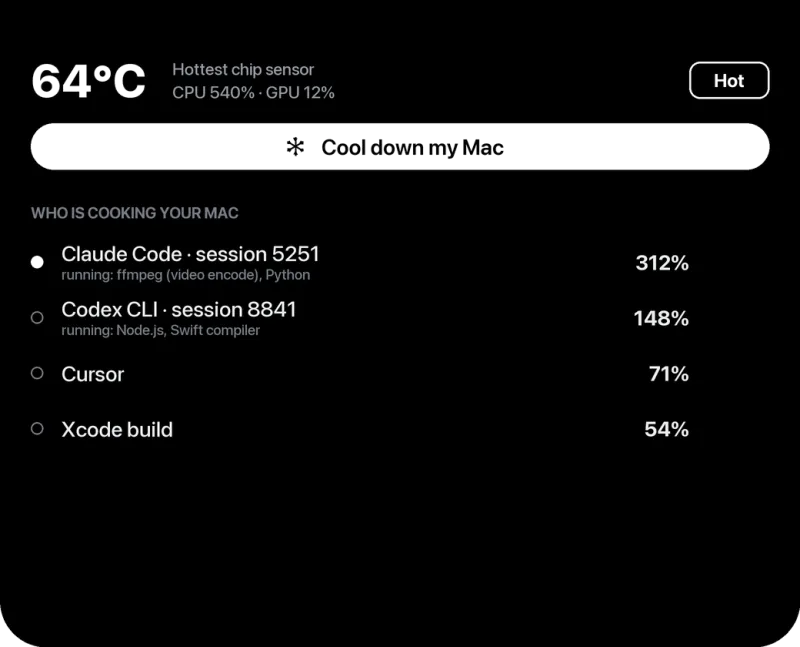
Catch it in Activity Monitor
- Open Activity Monitor and choose View → All Processes.
- Sort by % CPU. Leave it open for a few minutes; some tasks only run when the Mac is idle and pause when you move the mouse.
- Note the name of the top process and look it up in the table below.
The usual suspects
| Process name | What it is | What to do |
|---|---|---|
mds, mds_stores, mdworker | Spotlight indexing | Normal after updates or copying many files. Leave the Mac plugged in to finish. Exclude big folders (System Settings → Spotlight → Search Privacy). |
photoanalysisd, mediaanalysisd | Photos scanning faces, objects and text | Normal after an update or import. Finishes on its own; keep Photos closed and the Mac on power. |
bird, cloudd, fileproviderd | iCloud Drive and Photos sync | Big uploads take a while. Check progress in Finder's sidebar. |
backupd | Time Machine backup | Normal for a while after a backup starts. |
kernel_task | macOS itself, including heat management | Often a symptom, not the cause. See kernel_task high CPU. |
WindowServer | Draws everything on screen | High with many windows, external displays or animated wallpapers. Close windows, reduce displays. |
| Browser "Helper (Renderer)" / "Web Content" | A web page | Hover over it in Activity Monitor or check the browser's task manager to find the tab. |
node, python, java, docker | Dev servers, watchers, agents | Often left running by a terminal or an AI coding agent. Quit the ones you don't need. |
| Unknown name using lots of CPU | Could be an app helper, or unwanted software | Search the name. Check System Settings → General → Login Items for things you didn't install. |
Hot right after a macOS update?
This is the most common case. After an update, macOS rebuilds the Spotlight index, re-scans Photos and re-optimises apps. The Mac can run warm and the battery can drain faster for a day or two. Leave it plugged in and awake for a few hours and it settles down. If it's still hot after three days, look at Activity Monitor again: then it is probably something else.
Hot while asleep or in a bag
A Mac that is hot in a bag usually never slept, because an app or a connected device kept it awake. Check pmset -g assertions in Terminal to see what is preventing sleep, and wait for the screen to go dark before closing the lid.
Frequently asked questions
Why is my Mac fan running when nothing is open?
Something in the background is busy, usually Spotlight indexing, Photos analysis, iCloud sync or a leftover process. Activity Monitor with All Processes, sorted by % CPU, shows which.
How long does Spotlight indexing take after an update?
From under an hour to about a day, depending on how many files you have. It runs faster when the Mac is plugged in and idle.
Can malware make a Mac hot?
Yes, crypto-mining software and adware can use a lot of CPU. If an unknown process is using CPU, search its name and check your login items. Most of the time, though, it is a normal macOS task.