 WhoIsCooking
Get the app, $5
kernel_task using high CPU on your Mac: what it means
kernel_task looks like the villain in Activity Monitor. Usually it's the bouncer.
What kernel_task is
kernel_task is not an app. It is how Activity Monitor shows the macOS kernel: memory management, drivers, networking, and temperature control all count towards it.
Why it uses so much CPU when the Mac is hot
When the temperature rises too far, macOS needs other processes to do less work. One way it does that is by having kernel_task claim CPU time, which leaves less for the heavy apps. Apple documents this in its support article If kernel_task is using a large percentage of your Mac CPU. The CPU number looks huge, but much of that time is not real work; it's macOS slowing things down to cool the chip.
How to fix it
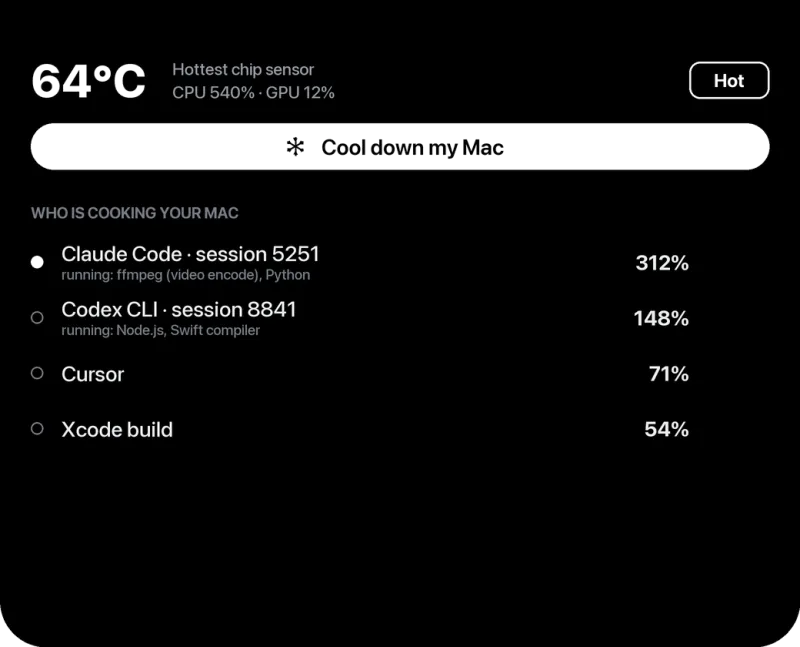
- Find the real heat source. In Activity Monitor, look at the processes below kernel_task. The busiest app after it is the likely cause.
- Cool the Mac. Hard surface or stand, nothing on the vents, cooler room. See how to cool down a Mac.
- Check the charger side. On Intel MacBooks, charging from the left-side ports while busy was a well-known cause of high kernel_task. Try a different port.
- Unplug accessories one by one. A faulty hub, dock or external drive can make kernel_task busy with drivers.
- Restart. If it stays high when the Mac is cool and idle, restart and keep macOS updated.
When kernel_task is high and the Mac is NOT hot
Then it is doing real work: heavy disk or network activity, a driver for an external device, or memory pressure (lots of swapping). Check the Memory tab in Activity Monitor for memory pressure in the red or yellow, and the Disk tab for heavy reads and writes.
Don't
- Don't try to quit or kill kernel_task. You can't, and it would crash the Mac.
- Don't use tools that disable thermal management. They remove the protection that keeps the Mac safe.
Frequently asked questions
Can I quit kernel_task?
No. It is the macOS kernel. It cannot be quit, and you would not want to: it manages memory, hardware and temperature.
Is kernel_task a virus?
No. It is a core part of macOS. A virus would show up as a different process name.
Why is kernel_task using 300% CPU?
Usually because the Mac is hot and macOS is limiting other apps to cool it down. Find the app that heated it, or improve airflow.