 WhoIsCooking
Get the app, $5
What is a normal Mac CPU temperature?
Numbers people find alarming are often completely fine on Apple Silicon. Here is what to expect.
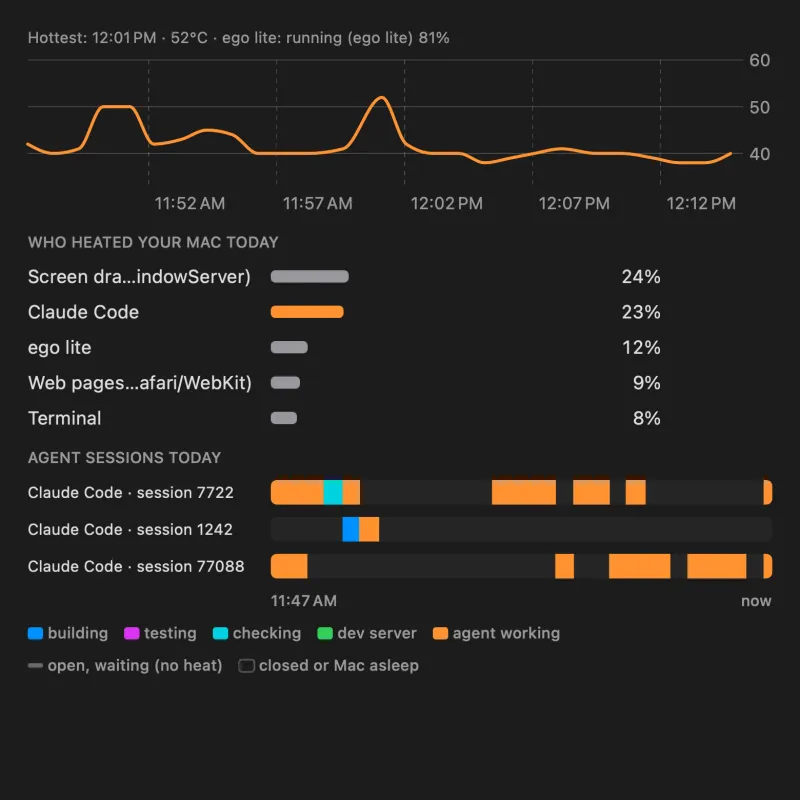
Typical ranges
These are rough ranges for the hottest CPU sensor on M-series Macs. Exact numbers depend on the model, the room, and which sensor a tool reads.
| What the Mac is doing | Typical temperature | Feels like |
|---|---|---|
| Idle, lid open, nothing running | 35 to 50°C | Cool to barely warm |
| Browsing, email, documents, music | 40 to 60°C | Slightly warm |
| Video calls, many tabs, light coding | 50 to 75°C | Warm near the hinge/keyboard |
| Exports, renders, builds, games, local AI | 80 to 100°C+ | Hot; fans audible on Pro models |
For reference, on our own test Mac a heavy render ran at 64°C and a four-core stress test at 83°C. WhoIsCooking shows a "hot" alert at 90°C, a point where most people want to know what is going on, not a danger level.
Is 90 or 100°C dangerous?
Not by itself. Apple Silicon chips are designed to run up to around 100°C and above for short periods. When the chip reaches its limit, macOS reduces its speed (thermal throttling) and, as a last resort, shuts the Mac down. You will not damage the chip by working it hard. The cost of running very hot is speed (throttling) and comfort (a hot case), plus extra wear on the battery over time.
When to worry
- High temperature with nothing running: look for a background process (guide).
- Fans at full speed for hours with no heavy app open.
- Repeated sudden shutdowns or a "your computer was restarted" message after heat.
- A swollen battery, case gaps, or a burning smell. Stop using it and contact Apple.
Why Intel Macs and older guides show different numbers
Intel MacBooks routinely ran at 90 to 100°C and throttled often. Many forum answers and old articles are about Intel Macs. On Apple Silicon, the same work usually runs cooler, and the sensors are read differently, so different apps can show different numbers for the same moment.
How to check your Mac's temperature
macOS does not show the CPU temperature anywhere by default. You can see thermal pressure with sudo powermetrics --samplers thermal in Terminal, or use a menu bar app. All the options are in how to check your Mac's temperature on Apple Silicon.
Frequently asked questions
What is a normal idle temperature for a MacBook?
About 35 to 50°C on Apple Silicon, depending on the room and the model.
Is 80°C too hot for a MacBook?
No. 80°C under load is normal on Apple Silicon. It is only a concern if the Mac sits at 80°C while idle.
At what temperature does a Mac throttle?
Apple does not publish exact numbers. In practice Apple Silicon chips begin to slow down near 100°C on their hottest sensor, and fanless MacBook Air models limit power sooner to keep the case comfortable.
Why do different apps show different Mac temperatures?
Apple Silicon has many sensors and no single official CPU temperature. Apps choose different sensors or average them, so numbers can differ by several degrees.