 WhoIsCooking
Get the app, $5
Chrome making your Mac hot? How to fix it
Browsers are the most common everyday cause of a warm Mac. Usually it's one tab.
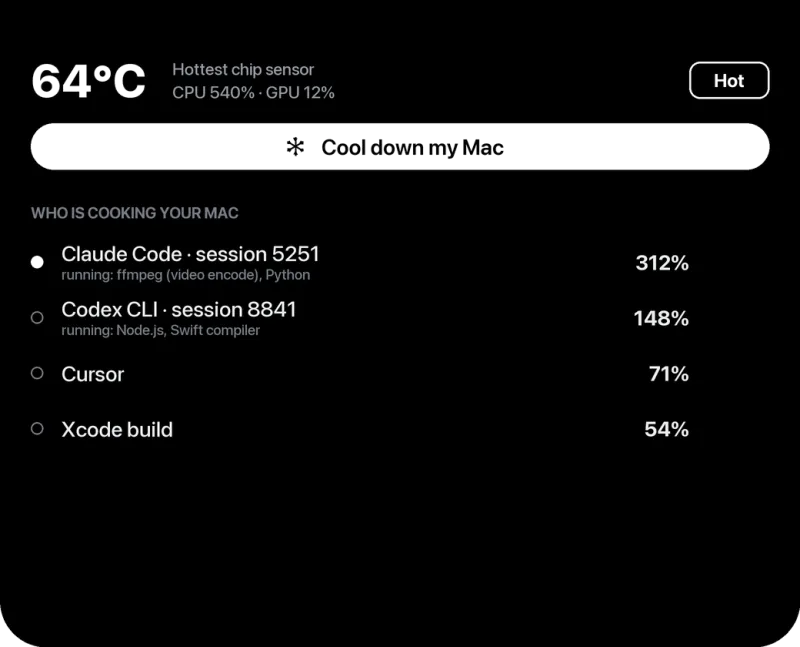
Find the tab that's heating your Mac
- In Chrome, open the menu (⋮) → More tools → Task manager.
- Click the CPU column to sort.
- Anything that stays above 20 to 30% while you're not using it is suspicious. Select it and click End process.
In macOS Activity Monitor, the same tabs appear as "Google Chrome Helper (Renderer)", which is why Activity Monitor alone can't tell you which tab it is.
Common culprits
- Tabs playing video or with autoplaying ads.
- Heavy web apps left open: Figma, Canva, Google Sheets with big data, Notion, trading dashboards.
- Extensions that scan every page (some ad blockers, shopping and grammar tools).
- Localhost dev servers with hot reload, open in several tabs.
Settings that cut CPU use
- Settings → Performance → Memory Saver: on. Inactive tabs are put to sleep.
- Settings → Performance → Energy Saver: on (or "when unplugged"). Limits background activity and visual effects.
- Settings → System → Use graphics acceleration: keep it on. Turning it off moves video work onto the CPU and makes things hotter.
- chrome://extensions: remove extensions you don't use.
- Update Chrome. Performance fixes ship often.
Should I switch to Safari?
Safari is built by Apple for the Mac and often uses less energy for the same pages, particularly for video. If battery and heat matter to you, it's worth trying for a week. But one bad tab will heat the Mac in any browser.
Still hot?
If Chrome is calm and the Mac is still hot, it's something else. Start with why is my Mac getting hot.
Frequently asked questions
Why does Chrome use so much CPU on Mac?
Each tab and extension runs as its own process. Tabs with video, ads or web apps keep working in the background, and their CPU use adds up.
Is Safari cooler than Chrome on a Mac?
Often, especially for video, because Safari is tuned for Apple's hardware. It varies by site.
Does closing Chrome tabs reduce Mac heat?
Yes, if those tabs were active. Chrome's Task Manager shows which tabs are using CPU.