 WhoIsCooking
Get the app, $5
Zoom, Teams or Google Meet making your Mac hot? How to fix it
Hour-long calls are one of the most common reasons a MacBook gets hot in a normal work day.
Short answerVideo calls make a Mac hot because it encodes your camera and decodes everyone else's video in real time. Background blur, virtual backgrounds, appearance filters, HD video, big gallery views and screen sharing all add work, and macOS's own video effects (Portrait, Studio Light) add more. For long calls: turn off backgrounds and filters in the app and in the Video menu in the menu bar, use speaker view instead of a big grid, stop screen sharing when done, and use the desktop app or a browser that handles video efficiently.
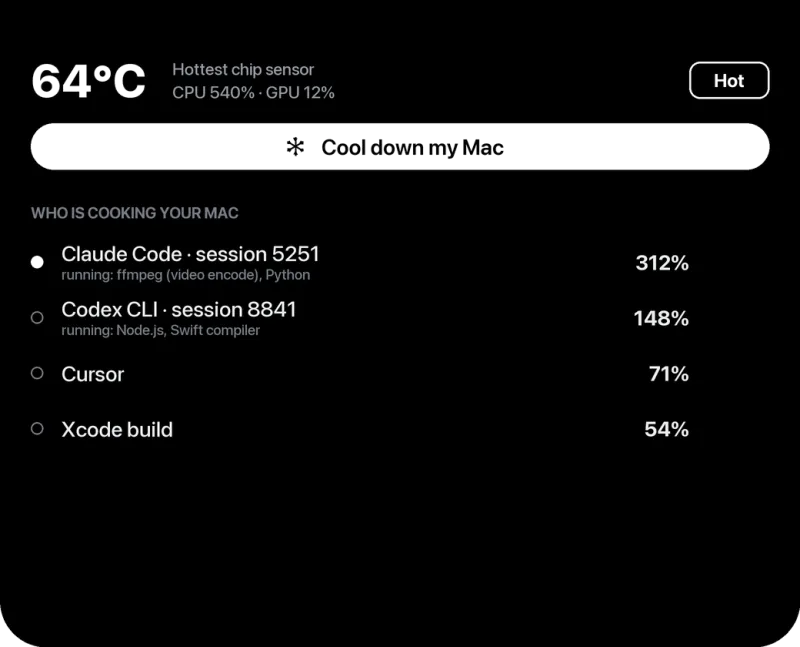
What makes a call heavy
- Background blur and virtual backgrounds: the app has to find you in every frame and redraw the background.
- Appearance filters: "touch up my appearance", low-light adjustment, studio effects.
- macOS video effects: Portrait, Studio Light and similar effects from the Video menu in the menu bar run on top of the app's own effects.
- Many video tiles: a 5×5 gallery is many videos to decode.
- Screen sharing: capturing and encoding your screen continuously, often at high resolution.
- Everything else still open: a call plus a build plus 40 tabs adds up.
Settings that cut heat
In macOS
- During a call, click the Video button in the menu bar and turn off Portrait, Studio Light and other effects you don't need. (On macOS Ventura it's under Control Center → Video Effects.)
In Zoom
- Settings → Background & Effects: choose None.
- Settings → Video: turn off "Touch up my appearance" and "Adjust for low light"; turn off HD if you don't need it.
- Use speaker view instead of gallery view on long calls.
In Microsoft Teams
- Before or during a call, open background effects and choose None.
- Turn off incoming video for large meetings when you only need audio and slides.
In Google Meet
- Turn off background blur and visual effects.
- Settings → Video: lower the send and receive resolution for long calls.
- Close other heavy tabs in the same browser.
Other habits
- Stop screen sharing as soon as you're done with it.
- Pause builds, exports and other heavy work during long calls.
- Keep the Mac on a hard surface. Calls are often taken on a sofa or lap, which blocks airflow.
Frequently asked questions
Why does Zoom make my MacBook so hot?
Zoom encodes your camera and decodes other people's video in real time. Virtual backgrounds, blur and filters add a lot of extra work; turning them off is the biggest saving.
Is the Zoom app or the browser better for heat?
It depends on the service and browser; try both on a long call. Turning off effects matters more than which one you use.
Do macOS video effects add heat?
Yes. Portrait and Studio Light process every frame from the camera. Turn them off in the Video menu during long calls if you don't need them.