 WhoIsCooking
Get the app, $5
Do laptop cooling pads work for a MacBook?
Short version: a stand helps, a fan pad helps a bit, and fixing the hot app helps most.
How MacBooks cool
- MacBook Air: no fan. Heat spreads through the aluminium case. Cooling the bottom of the case directly helps.
- MacBook Pro: fans pull air in and blow it out near the hinge. A pad's fans blowing at the bottom only help a little; what matters most is that nothing blocks the vents.
Options, from most to least useful
| Option | Effect | Notes |
|---|---|---|
| Find and stop the busy app | Largest | Free. Activity Monitor, % CPU. |
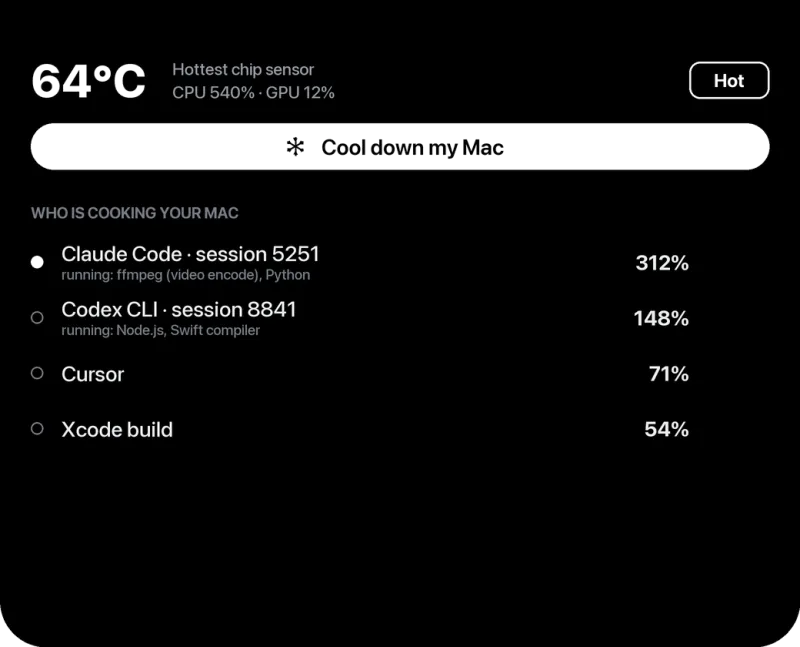
Efficiency cores (taskpolicy -b) / Low Power Mode | Large | Work keeps running, slower. In our test, 64°C → 50°C on the same render. |
| Laptop stand | Small to medium | Better airflow and posture. Cheap; aluminium stands also draw heat out of an Air. |
| Cooling pad with fans | Small | Most useful on a MacBook Air under long load. Adds noise. |
| Cool room, out of the sun | Medium | Free if you can choose where to sit. |
| Ice packs, fridge | Don't | Risk of condensation inside the Mac. |
Our view
We have not lab-tested cooling pads ourselves, so we won't quote a number for them. What we did measure is the effect of moving work to the efficiency cores: the same render dropped from 64°C to 50°C. A pad can't match that because it doesn't change how much heat the chip makes, only how quickly the case loses it.
If you are buying one thing, buy a stand. If your Air throttles on long exports, a fan pad is a reasonable second step. And either way, keep an eye on what's actually heating the Mac: why is my Mac getting hot.
Frequently asked questions
Does a cooling pad help a MacBook Air?
Somewhat. The Air cools through its case, so a pad that cools the bottom can delay throttling during long jobs. It won't make a big difference for light use.
Is a laptop stand better than a cooling pad?
For most people, yes. A stand improves airflow and ergonomics, makes no noise, and has no batteries or cables.
Can I put my MacBook on ice to cool it?
No. Condensation can form inside the case and damage it.